
MCP for design systems: letting AI assistants use your real tokens
AI assistants write a growing share of interface code, often with invented colors and spacing. The Model Context Protocol lets them read and use your actual design system instead. Here is why it matters and how it works.

3 min read

AI assistants now write a real share of interface code. Ask one for a pricing card or a settings page and you get something that works in seconds.
Look closer and you will often find the same issue: colors that are almost your brand, spacing that is almost your scale, radii that match nothing in your system. The assistant did its best with what it knew, and it knew nothing about your design system.
The context problem#
A language model can only use what it can see. Without context, it falls back on generic defaults or on whatever values appear in the files you happened to open. The result is a new, quieter form of design drift: code that looks right in review and slowly diverges from the system.
You could paste your tokens into every prompt. It works for a day. Then the tokens change, the pasted copy does not, and you are back where you started.
What MCP changes#
The Model Context Protocol (MCP) is an open standard that lets AI assistants connect to external tools and data sources in a structured way. Instead of guessing, the assistant can ask: which projects exist, what tokens they contain, what changed recently.
For a design system, this means:
- The assistant reads the current tokens, not a stale copy.
- It can use the semantic names your team agreed on, such as
color.action.primary, instead of raw values. - It can act on the system when you allow it: propose a change, export tokens, or open a pull request.

What it looks like day to day#
With a design system exposed through MCP, a conversation with an assistant can look like this:
- "Which spacing tokens do we use for card padding?" The assistant reads the project and answers with the real names and values.
- "Build a pricing card with our tokens." The generated code references your variables instead of hardcoded values.
- "Add a warning color for the new alert component." The assistant proposes a token in the right layer, following your naming, and the change goes through review like any other.
The assistant stops being an outsider improvising a style. It becomes a contributor that follows the same rules as the team.
Guardrails matter more than ever#
Giving an assistant access to your design system is powerful, so it deserves the same care as giving access to a colleague:
- Scoped access. Read access for most uses, write access only where it is needed.
- Review by default. Changes should arrive as proposals or pull requests, never as silent edits to production values.
- History. Every change should keep track of who, or what, made it.
How Yubild uses MCP#
Yubild was designed as an MCP native design system platform. Your tokens live in one place, and AI assistants such as Claude Desktop or any MCP client can connect to it to read projects, manage tokens in natural language, compare with Figma, export to CSS or Tailwind, and open pull requests on your repository. The same rules apply whether a change comes from a designer, a developer or an assistant.
The idea is simple: if AI is going to write part of your interface, it should speak your design language, not invent its own.
Where to start#
If your team already uses AI assistants for front end work:
- Look at recent generated code and count the hardcoded values. It is usually a quick and convincing audit.
- Make your tokens accessible in a standard format and from a single source.
- Connect your assistant through MCP and compare the next generated components with the previous ones.
The gap is often visible on the first try.
- #mcp
- #ai
- #design-tokens
- #design-systems
Keep reading
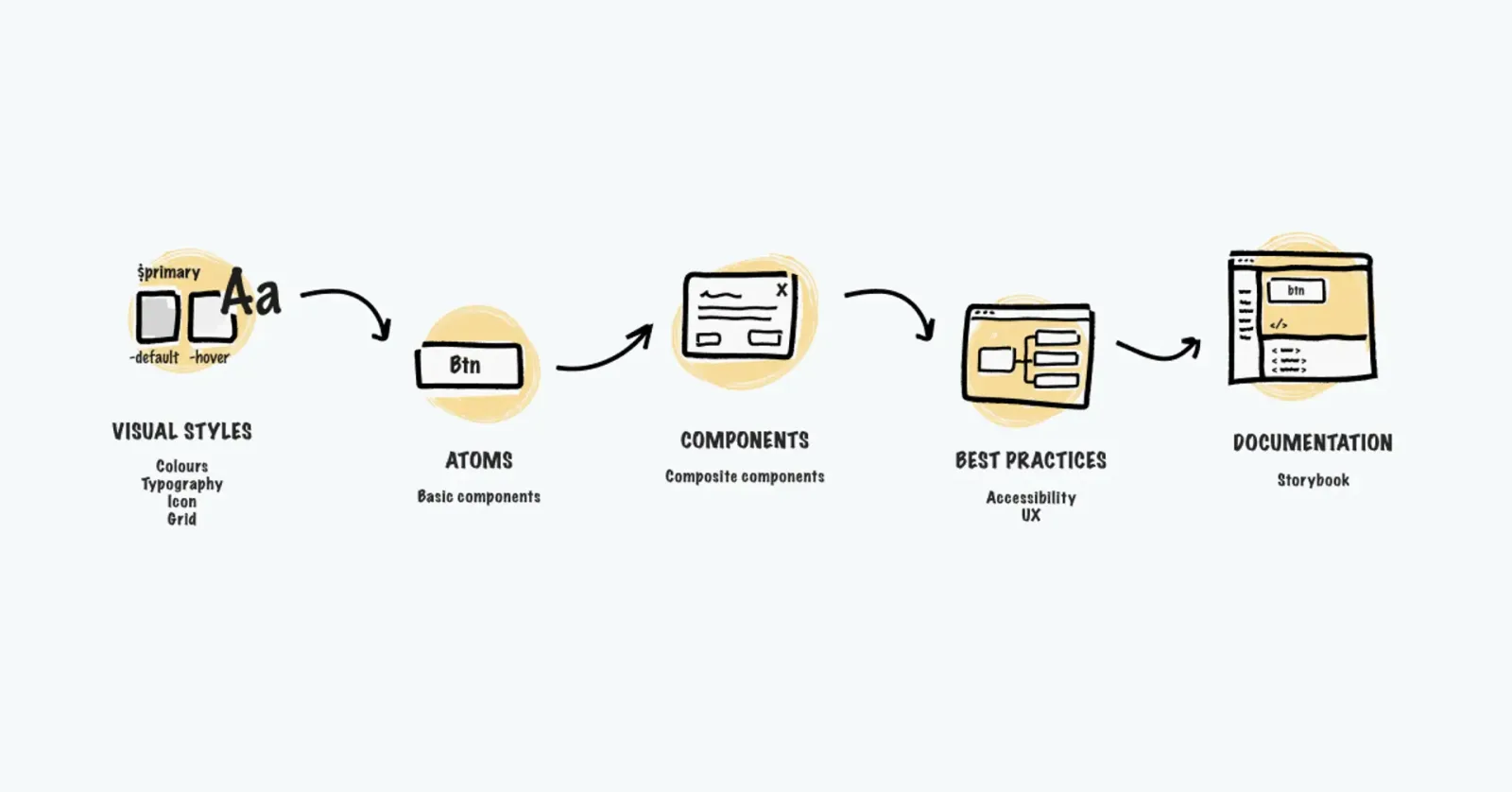
Why your design system drifts, and how to keep it in sync with code
Colors copied by hand, spacing guessed in code, components that slowly diverge. Here is why design systems drift and the habits that keep design and code aligned.

Design tokens explained: the single source of truth between design and code
Design tokens turn visual decisions into named, reusable values that designers and developers share. What they are, how to name them, and how to keep them from becoming another file nobody updates.
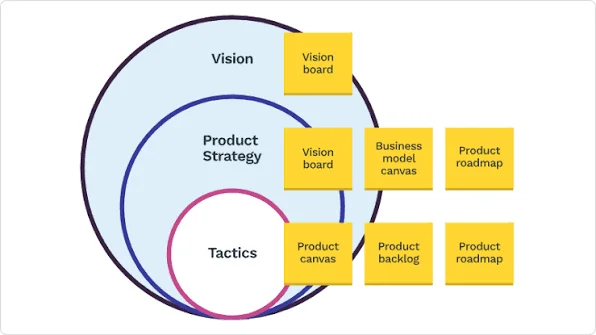
Product strategy in the age of AI: start with the problem, not the model
AI makes it tempting to start from the technology. The products that last still start from a precise problem, a clear bet and a way to measure it. A practical framework for product leaders.
Turn your design decisions into production tokens
Build, govern and ship your design system with Yubild.
Start for free